HTB Walkthrough – Sau (Open Beta Season II)
Enumeration Port Port scanned sau.htb (10.10.11.224) using the following command: Nmap results highlighted that a web application is running on
Read MoreDreams ∙ Passion ∙ Digital World

Enumeration Port Port scanned sau.htb (10.10.11.224) using the following command: Nmap results highlighted that a web application is running on
Read More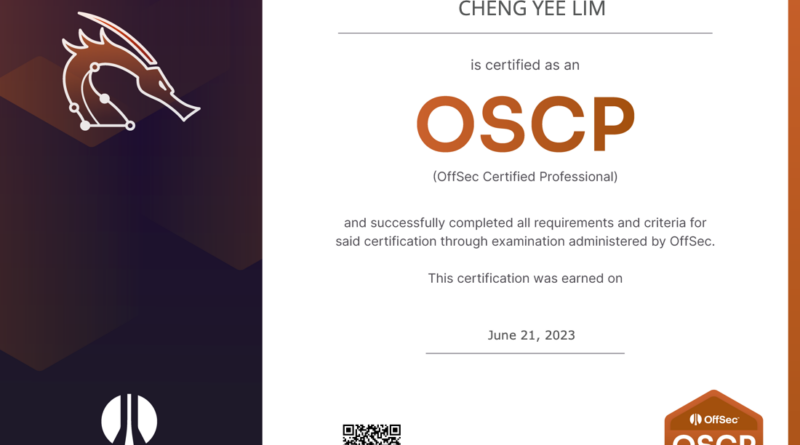
I got my OSCP at my first attempt in June 2023. I started at 10.30am and had the exam portion wrapped up by 11pm. Washed up, caught some winks and submitted the report at 2.30pm the following day.
I started with PEN-200 back in October 2022. Procrastinated and Offensive Security rolled out PEN-200-2023. I did the 2023 challenge labs and with the module exercises from the pre-2023, I’ve 10 bonus points in my pocket.
An email arrived two days after submitting the report, informing me that I passed the exam. I had managed to get proofs on all six machines.
I am grateful to my colleagues who tanked urgent project work during this period. Also to those that shared their methodologies, tips and tricks with me.
Read More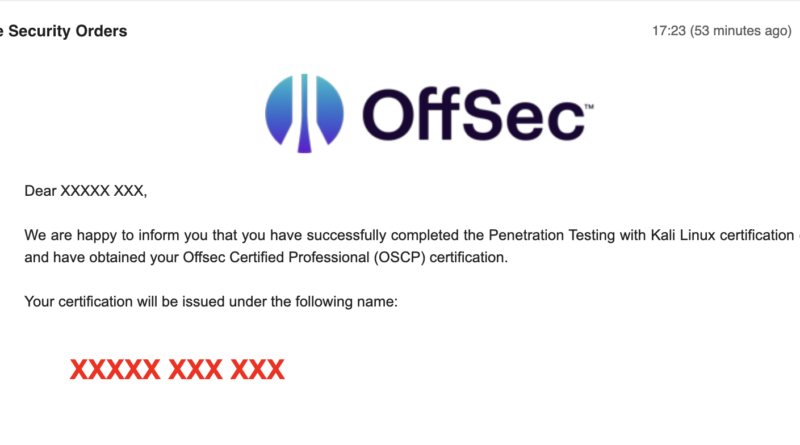
I took the Offensive Security Certified Professional (OSCP) exam on 21st June 2023 10am and managed to finish the boxes and verify them before requesting the exam to end at around 11pm. The OSCP exam is 23 hours 45 minutes long but you can end it earlier as long as you are comfortable.
My body was asking me to sleep but the adrenaline rush refused to let me so I worked on the report until 4am before hitting the bed. Cleaned up the report and submitted it at 2.30pm. I managed to clear all boxes and have the 10 bonus points from the PEN-200-2023 challenges.
Offensive Security emailed me on 24th June 2023 5:23pm to inform me that I passed! Phew!
I did the PEN-200 and OSCP with a MacBook Pro (13-inch, M1, 2020) with 8GB RAM so I thought that I should document the ups and downs of using a MacOS machine, particularly one with ARM architecture, for it.
Read More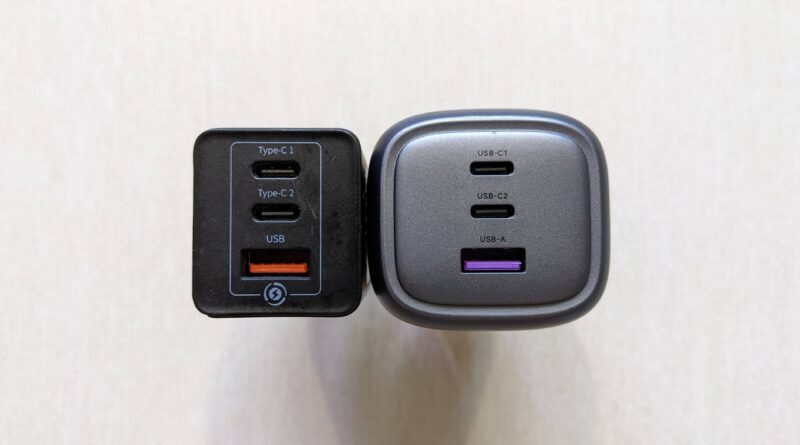
Today, the USB Power Delivery (or USB PD) is pretty much the unified charging standard that can be used across USB-C devices – mobile phone, modern laptops, power banks, handheld gaming consoles (e.g., Nintendo Switch), e-readers (e.g., Amazon Kindle Scribe), etc. As for the power (or Watt), 65 W seems to be the sweet spot for a portable USB PD charger. Why so? The laptops I know typically need minimally 45 W for charging and mobile phones love anywhere from 10 to 20 W so 65 W is great to charge both the laptop and mobile phone concurrently. Recently, my two years old Baseus 65 W GaN charger died and I decided to get the Ugreen Nexode 65 W 3-Port PD GaN Fast Charger as replacement from Amazon at S$47.99.
Read More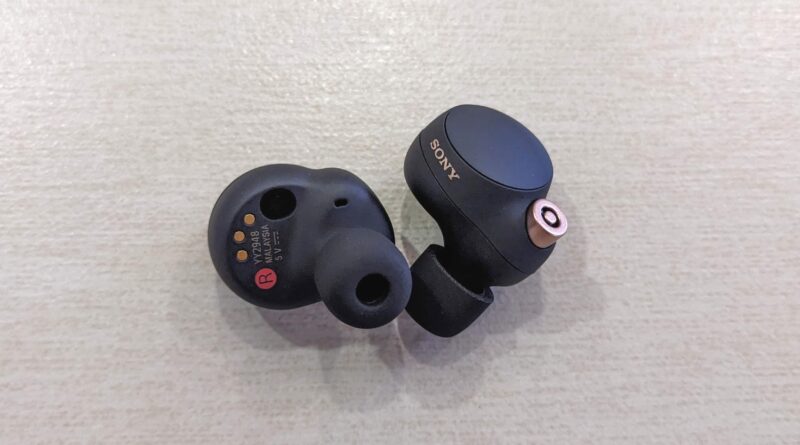
The Sony WF-1000XM3 was one of the best purchase I made to reduce ambient noise. I purchased the successor, Sony WF-1000XM4, after I thought I lost the XM3 during one of those on-leave-but-working-outside days. The charging case slimmed down a fair bit and now comes with wireless charging. A new integrated V1 Processor replaced the QN1e chip, taking noise cancellation to a new level while lowering power consumption. It also support LDAC in the WF-1000XM4. Since I “lost” the XM3, why not grab the Sony WF-1000XM4? I got it off Shopee SG for S$242.41.
Read More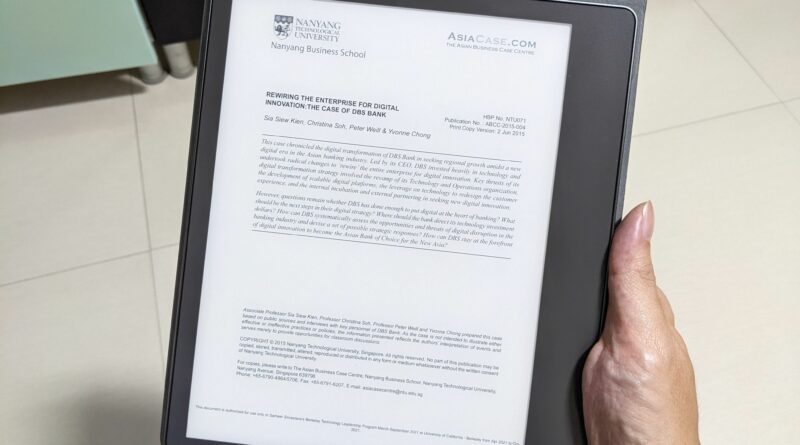
As a Kindle Oasis 3 user myself, I would say the Kindle Scribe is a perfect large Kindle for reading and note-taking. Text and images appear sharp on its 10.2-inch, 300 PPI display with evenly distributed adjustable warm backlight. Writing feels smooth and natural with no noticeable lag. It is definitely heavier than the Oasis 3 but lighter than a similarly sized tablet like the Apple iPad or Samsung Galaxy Tab. I bought the Amazon Kindle Scribe 64GB with premium pen, leather folio cover with magnetic attach and 9W power adapter for US$325.97 back in March 2023. Shipping and GST added another S$30 and S$49.70 respectively.
Read More
The BroadLink RM4 Mini is an affordable means to add IR capabilities to your smart home setup. With more than 50,000 IR codes on Cloud, chances are high that you can find a suitable one to control your IR devices like TV, set-top box, fan, radio, air conditioner, etc. I already had a BroadLink RM4 Mini in my living room for the TV and set-top box and I got another one for the bedroom to make the KDK fan and Mitsubishi Electric air conditioner smarter by allowing me to control them over the Internet. To maintain a consistent bedroom temperature, I got the HTS2 temperature and humidity sensor cable to go along with the RM4 Mini.
Read More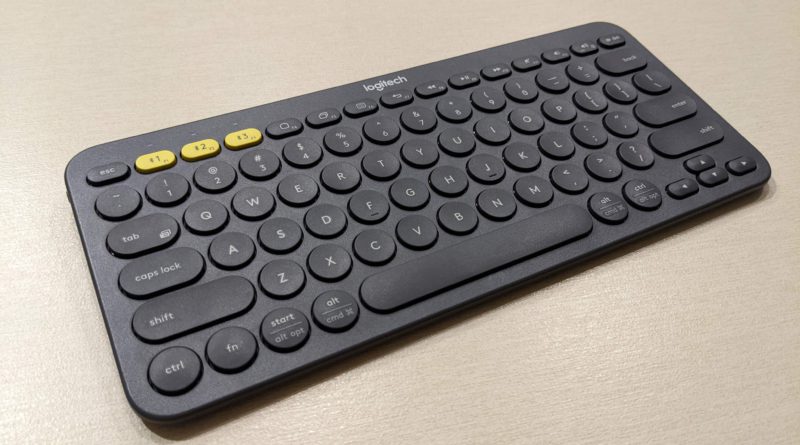
Owning multiple smart devices is becoming a norm nowadays – smart phone, tablet and Android TV (stick). You would probably invest in a Bluetooth keyboard if you need to type a fair bit on the devices – finishing up a document on smart phone/ tablet, punching in the search string on the Android TV.
Instead of getting a Bluetooth keyboard each or pairing/unpairing each time, the Logitech K380 multi-device Bluetooth keyboard might be the answer. It can pair up to three (3) devices at a go and switch between them seamlessly. To top it off, it is a versatile and portable keyboard that works great at home, in the office and on the move.
Read More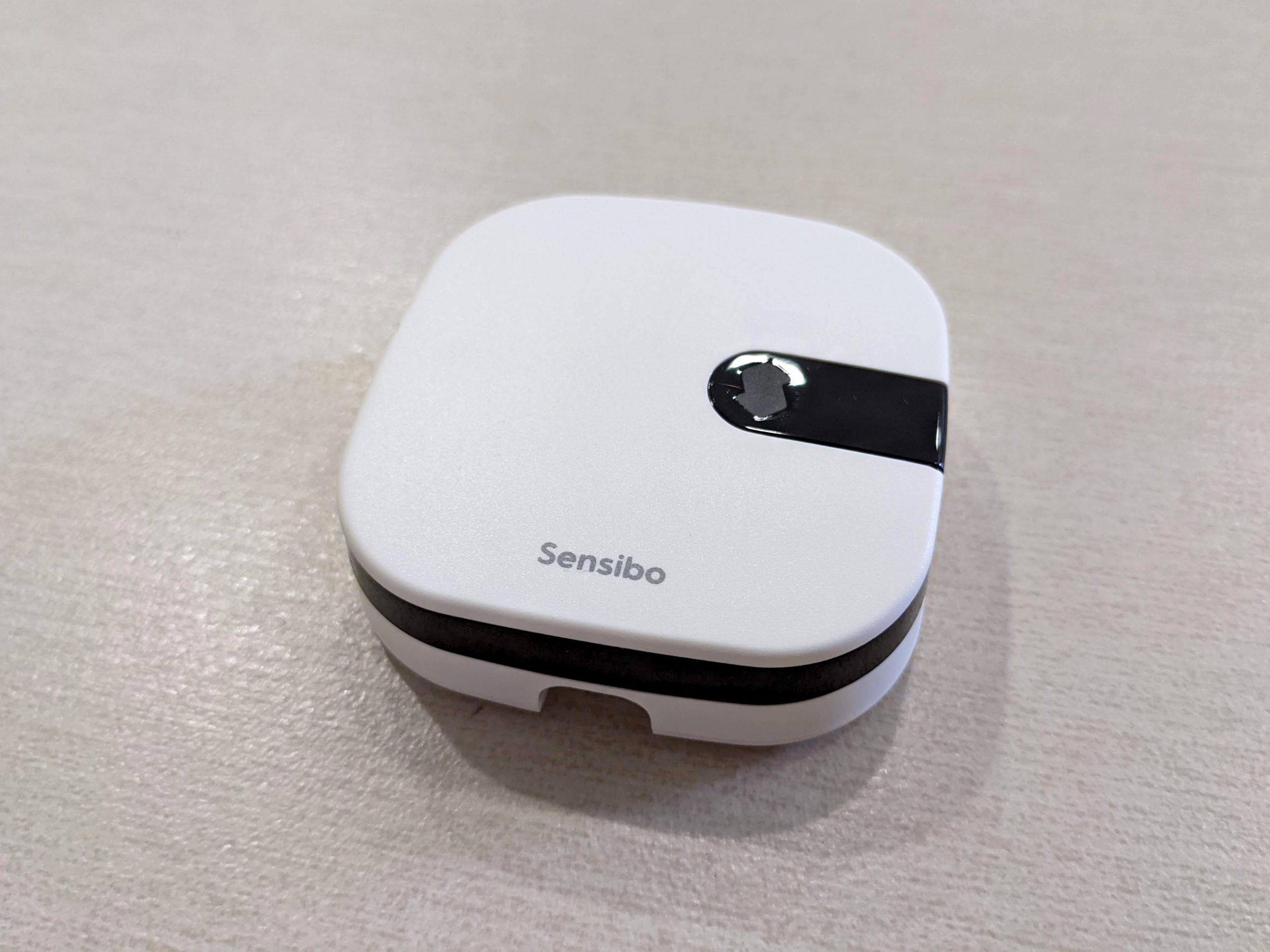
The Sensibo Air is a smart controller for your air-conditioner (AC). Basically, it enables you to control your air-conditioner via the Internet and/or home assistants like Amazon Alexa, Google Home and Apple HomeKit. You might be wondering why do people need a smart air-conditioner controller? Do you prefer coming back home to room that is warm or one that is feeling cool? If it is the latter, you can switch on the AC just five to 10 minutes prior. That would give it sufficient time to cool the room.
Read More